Auto Mastering: one click, three masters, zero guesswork.
- One drop, three masters
- Same target every time
- Runs in your browser
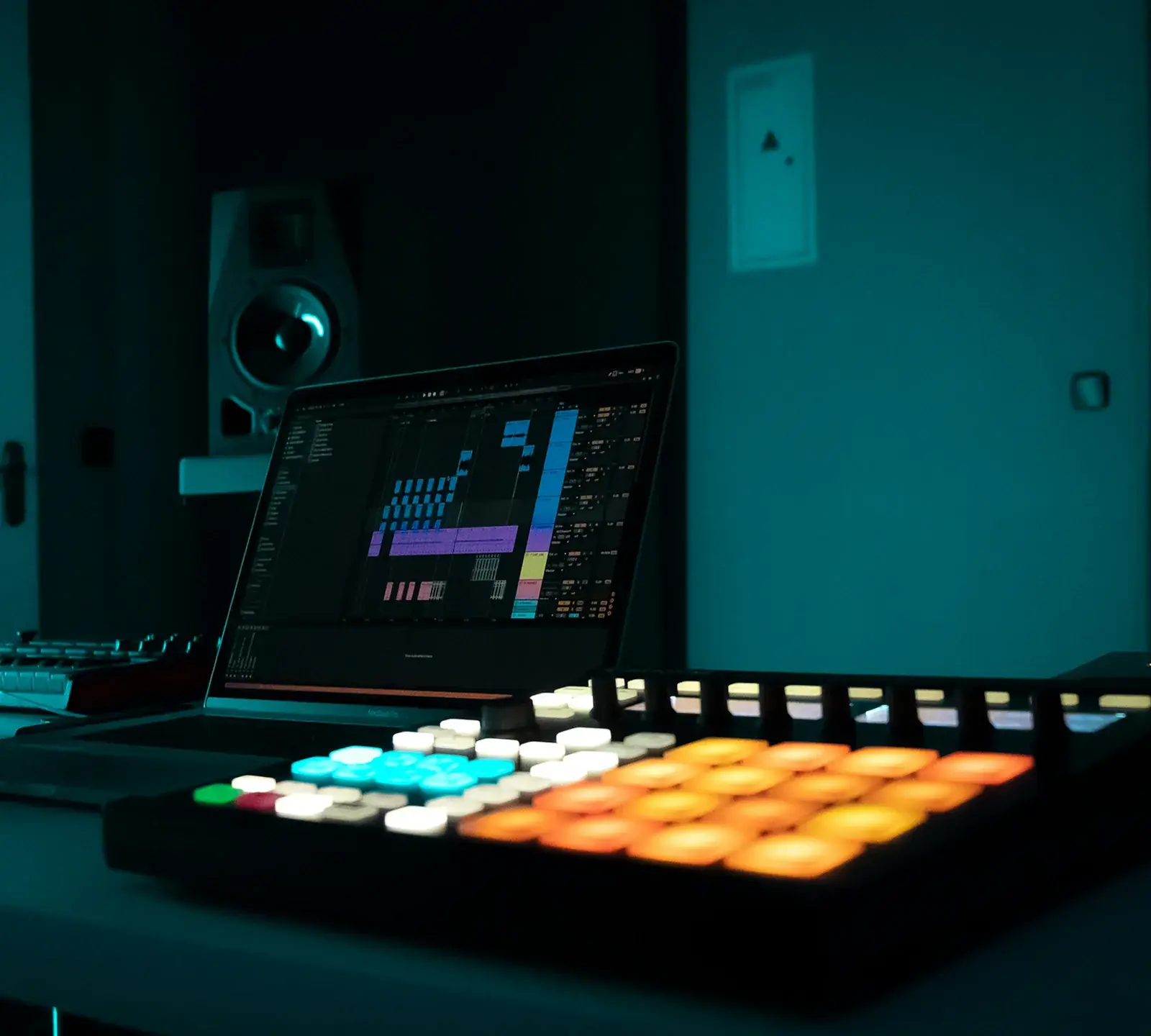
Example result
In short
Auto mastering means software makes the mastering decisions for you. Drop a finished mix and get Warm, Balanced and Bright versions to compare at matched loudness. You control genre, loudness target and width. Listening costs nothing; WAV downloads are 10 credits per song (about $1.50 or less).
How it works
How to use auto mastering
- 1
Choose your settings
Pick a genre preset, a loudness target (Apple −16, Streaming −14, Loud −11 or Club −9 LUFS) and a width — or keep the defaults.
- 2
Drop the bounce
Drag in the WAV or MP3 straight from your DAW. Auto mastering runs in your browser, and all three versions arrive together.
- 3
Pick one and move on
Switch versions with keys 1–4, keep the one that fits and download the WAVs for 10 credits. Then drop the next beat.
What is auto mastering?
Auto mastering — also called automatic mastering or automated mastering — is the last stage of music production done by software instead of an engineer at the controls. It measures your finished stereo mix, decides how much EQ, compression, stereo adjustment and limiting the song needs, and hands back a release-ready file. Most of what is sold as AI mastering is this same process.
Mastering software “listens” by measuring: integrated loudness in LUFS (the ITU-R BS.1770 standard streaming services also use), true peak in dBTP, and how much energy sits in the sub, lows, mids and air. It compares that balance with a target curve for the genre, makes small EQ moves, compresses lightly for glue and runs a limiter up to the loudness target without passing the true-peak ceiling.
What auto mastering does well is the repeatable part: it never forgets the ceiling and lands on the same loudness every time, in minutes. What it cannot do is understand intent — a quiet intro is just a number to it. That is why a good tool gives you options and an honest comparison, not one file to take or leave.
What auto mastering decides — and what you still control
Automatic does not mean hidden. The report that comes with each master shows the EQ moves, glue, width, limiting and true peak.
| Stage | Decided automatically | Your control |
|---|---|---|
| Tone EQ | Smoothed moves toward a target curve, never more than ±4 dB per band | Genre preset |
| Glue compression | Firmer on Warm, lighter on Bright | Choose the version |
| Stereo image | Bass below 120 Hz folded to mono; side level set per version | Width slider |
| Saturation | Light on Warm, a trace on Balanced, none on Bright | Choose the version |
| Limiter | Lookahead brickwall, re-run until the master lands on your target | Loudness target |
| True-peak check | Output stays at or below −1.0 dBTP | — |
Auto mastering vs a human mastering engineer
Neither is better at everything, so pick per song rather than once and for all.
| Auto mastering (here) | Human engineer | |
|---|---|---|
| Turnaround | Minutes — auto mastering runs in your browser, so the time depends on song length and your device | Commonly a few days |
| Price per song | 10 credits; listening costs nothing | Commonly $30–150 online |
| Changes | Re-masters of an unlocked song cost nothing for 30 days | Usually one or two revision rounds |
| Feedback on your mix | Report notes only | Yes — a good engineer tells you what to fix |
| Vinyl, Dolby Atmos, stem mastering | Not offered | Specialists available |
| Best for | Beats, singles, demos, streaming releases | Flagship albums, problem mixes, physical media |
Human figures are typical market ranges, not quotes.
Auto mastering genre presets and starting targets
The preset shifts the tone target before EQ moves are calculated; it does not change loudness. Every genre starts on Streaming (−14 LUFS) until you pick another target.
| Preset | Tone leans toward | Suggested target |
|---|---|---|
| Auto | Neutral | Streaming −14 |
| Hip-hop | More sub, softer top | Streaming −14; Loud −11 for beat-store previews |
| Pop | More presence and air | Streaming −14 or Loud −11 |
| EDM | More sub and air | Loud −11; Club −9 for DJ use |
| Rock | More mids and presence | Streaming −14 or Loud −11 |
| Acoustic | Less low end, more clarity | Apple −16 or Streaming −14 |
| Lo-fi | A much softer top | Streaming −14 or Apple −16 |
| AI song | Less low-mid, presence and air | Streaming −14 — see Suno mastering |
Starting points, not rules. Streaming services turn louder masters down, so a louder target buys density, not volume — see −14 LUFS explained.
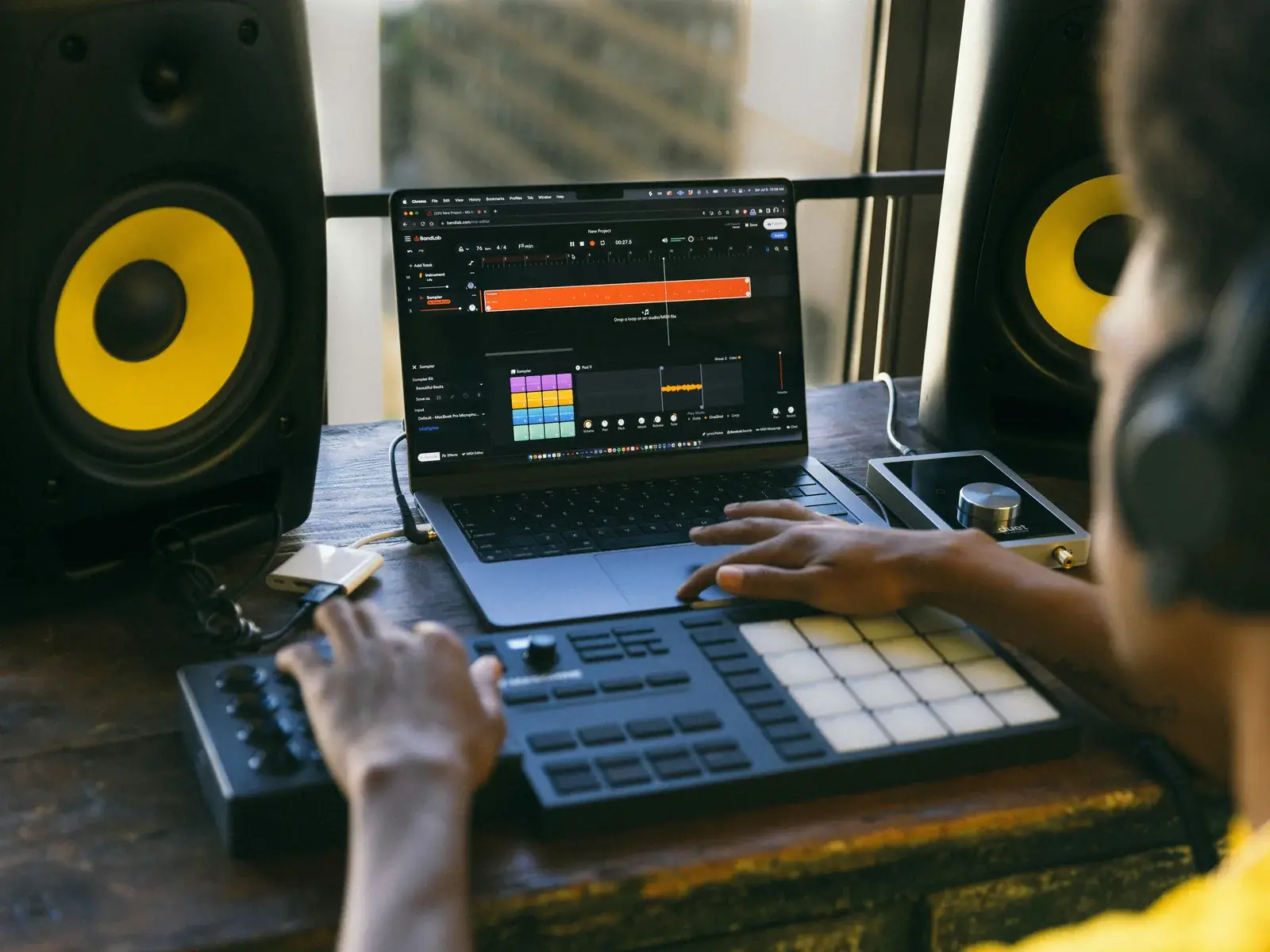
Beat mastering for producers who finish a lot of tracks
If you make beats every day, mastering becomes the bottleneck. Auto mastering removes that step: one drop gives you three finished options and you choose by ear — that is what one click mastering should mean.
- No plugin chain to rebuild in every project
- One loudness target across your whole catalog
- You only pay for the beats you keep
An AI track mastering workflow for a week of beats
There is no batch upload — each track is mastered on its own — but with one fixed setup, a run of beats moves fast.
1 · Bounce clean
24-bit WAV, peaks around −6 to −3 dBFS, no limiter on the master bus. The Key Finder adds tempo and key for 1 credit.
2 · Lock one setup
One genre preset, loudness target and width for the whole batch — write them down so next week’s beats match.
3 · Compare, read the notes
Jump to the loudest section. If the report flags heavy limiting, step that beat down one target.
4 · Download what you keep
Spend 10 credits only on beats you send out. MP3 export is not offered.
Why consistency matters more than loudness
A catalog at mixed levels sounds unfinished even when every beat is good, so send every track through the same chain to the same target. Streaming services level things out anyway — Spotify turns tracks toward about −14 LUFS (check current docs) — so the same number every time matters more than the number itself. The LUFS meter shows the turn-down per platform for 1 credit.
When not to use auto mastering
It works on a stereo mix that is already balanced. It will not rebalance a vocal against a beat — AI mixing is not available here yet — and if all three versions share the same problem, the fix is in the mix; see mastering vs mixing. Album mode, for an EP with shared targets, is coming soon. To match a specific record rather than a genre, use Reference Mastering in the studio.
Use auto mastering every month? A plan keeps it cheaper.
Plans start at $7.99 a month and include masters, analysis runs and stem credits every month. No subscription? Packs start at $2.99, and their credits last 12 months.
What is auto mastering?
Mastering where software makes the decisions — tone, compression, width and limiting to a loudness target — without you touching a plugin. Here you get three versions to compare at matched loudness.
Is automatic mastering good enough for beats and singles?
For a well-balanced mix, usually yes. It handles loudness and true peak safely and consistently, which is most of what beats and streaming singles need. It cannot fix mix problems.
Auto mastering or a human engineer — which should I use?
Use auto mastering for beats, singles and streaming releases where speed and consistency matter. Hire an engineer for a flagship album, vinyl, a problem mix or when you want feedback.
Which loudness target should I use for beats?
Streaming (−14 LUFS) for streaming platforms; many producers prefer Loud (−11) or Club (−9) for beat-store previews and DJ use — watch the limiting figure in the report. More in music mastering for streaming.
Are my beats uploaded?
No. Auto mastering runs in your browser, so unreleased beats and client work stay on your device. The server only records the download unlock, not the audio.
How many credits does auto mastering cost?
Listening and the report cost nothing. All three versions of one song as 24-bit WAV, plus a dithered 16-bit copy, cost 10 credits — about $1.50 or less. Re-masters of that song are free for 30 days.
Run the next beat through auto mastering.
Three masters, one decision, no plugin chain to rebuild.
Drop a file to start
WAV, FLAC or MP3 · up to 200 MB · 10 min