Instrumental Maker: turn a song you own into an instrumental.
- Not an AI music generator
- Instrumental + vocal
- Price shown before upload
- Failed splits refunded
Use only with music you own or have permission to use.

Example result
In short
Drop a song you own above and the instrumental maker gives you the original music without the vocals, plus the vocal as a second file, usually in a few minutes. An AI model on a cloud GPU does the separation for 4 credits per song (about $0.60 or less).
How it works
How to use the Instrumental Maker
- 1
Pick a song you have rights to
Your own track, one you co-wrote or one you've licensed — MP3 or WAV, up to 10 minutes long.
- 2
Make the instrumental
The studio opens our vocal remover with the instrumental in focus. Press Split (4 credits) — the price shows before you confirm.
- 3
Download and rehearse
Download your instrumental, then check the key and transpose in your DAW if it sits outside your range.
An instrumental maker, not a music generator
Search "instrumental maker" or "make instrumental of song" and many of the results are AI tools that compose new music from a text prompt. This is the other kind. The instrumental maker starts from a song that already exists and takes the vocals out, so the drums, bass, chords and production stay as they were recorded.
Need brand-new backing music? Use a generator. Need this song without the singer? You want an instrumental extractor: the music was always there, it just had a voice on top.
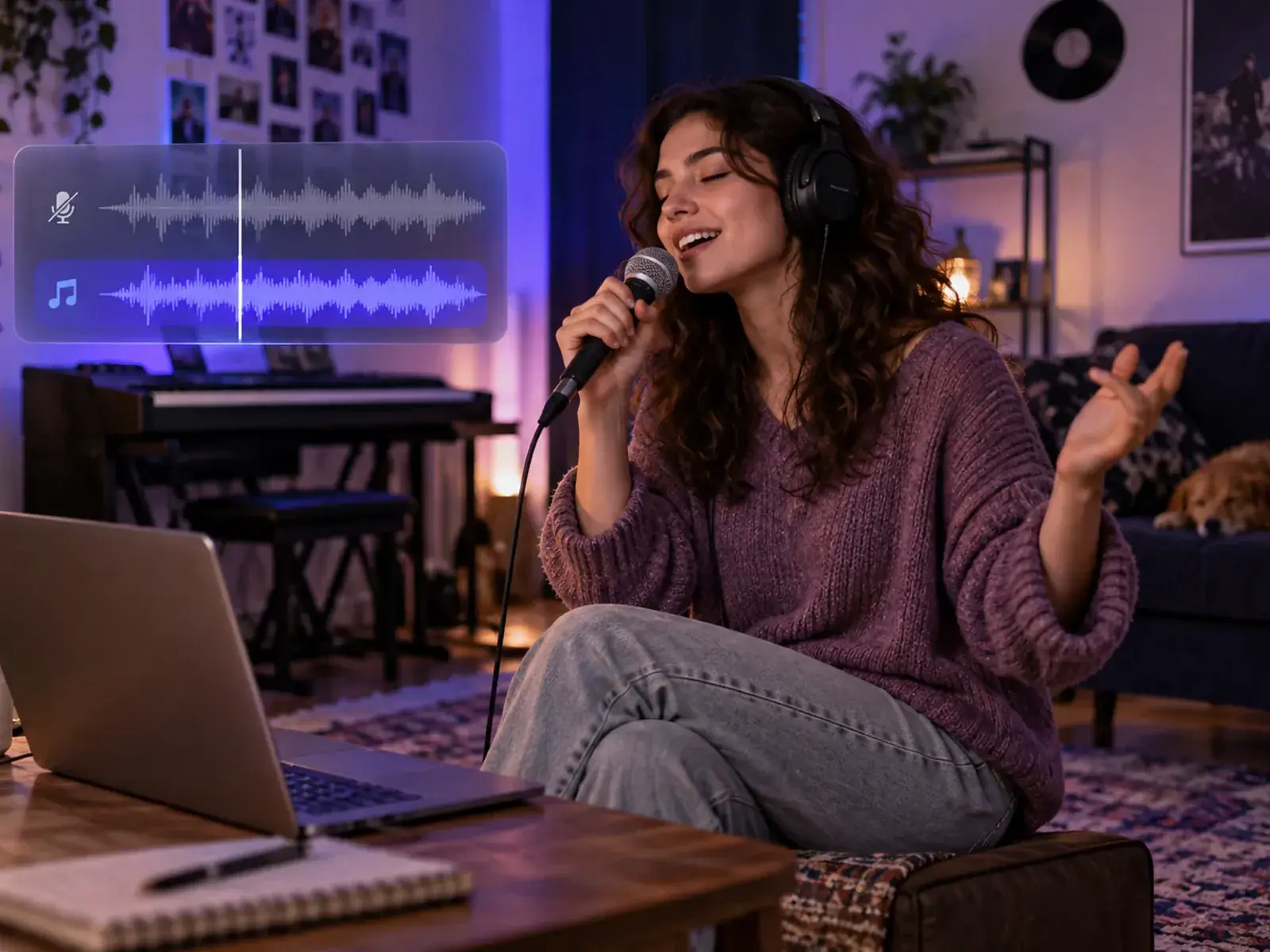
Four good reasons to use an instrumental maker
You get the original arrangement with the singer taken out — not a karaoke remake played on MIDI instruments, or a backing track maker that builds new parts from a chord chart. Use it on songs you have the rights to.
- Karaoke — sing along at home or at a party over the real arrangement.
- Practice — build a practice track with the instrumental maker and rehearse your part with the full band behind you.
- Covers — rehearse a cover with the original feel, on a recording you have permission to use. Posting it needs its own permission; see the permission check below.
- Beat showcases — producers rebuild an instrumental of their own song for a portfolio.
Use the instrumental maker as a karaoke maker
A karaoke track is an instrumental with a purpose. Make the karaoke track with the instrumental maker, download it and load it into a DAW, a media player or a karaoke app that plays audio files. Going from song to karaoke this way keeps the punch of the original recording.
Two things this karaoke track maker does not do: it doesn't display or sync lyrics, and it doesn't change the key. Check the key with the key finder and transpose in your DAW if needed. Keep the separated vocal too — playing it quietly underneath is an easy way to learn the phrasing.
How the instrumental maker works
Under the hood, the instrumental maker is a song-to-instrumental converter built on the same two-part split as the vocal remover. An AI separation model, trained on multitrack recordings, recognizes the patterns of a human voice — sung vowels, consonants, breaths — and pulls them out. What is left becomes your instrumental, with its stereo width, low end and drum punch intact, and the vocal comes with the same job at no extra cost.
It runs on a cloud GPU: your file is uploaded to our storage, processed by our separation provider and used only to create your files. Want a drumless track instead? Use the drum remover.
Permission check: what you can do with an instrumental
What you can do with an instrumental depends on who owns its two sets of rights: the recording (often a label) and the composition (the songwriters and their publisher).
| What you want to do | Permission you need |
|---|---|
| Make an instrumental of your own song | None — you own it (check any label or co-writer agreements) |
| Post or stream a cover sung over the original instrumental | Permission from the owner of the recording and the publisher of the song |
| Release your own cover version | A cover (mechanical) license for the song — but you play your own backing, not the original instrumental |
| Make an instrumental of someone else’s song, even to sing along at home | Permission from the rights holders first — use the instrumental maker only on music you own or have permission to use |
General information for US creators, not legal advice.
How to make an instrumental that sounds finished
Small choices before and after the split make a real difference.
- Feed it the best file you have. A 320 kbps MP3 exported from the WAV master separates more cleanly than an old low-bitrate copy.
- Choir hooks and harmonies go too. Backing vocals are vocals, so a gang chorus can feel empty in those bars.
- Rehearse at performance volume. Faint artifacts you notice on headphones usually disappear under a live voice.
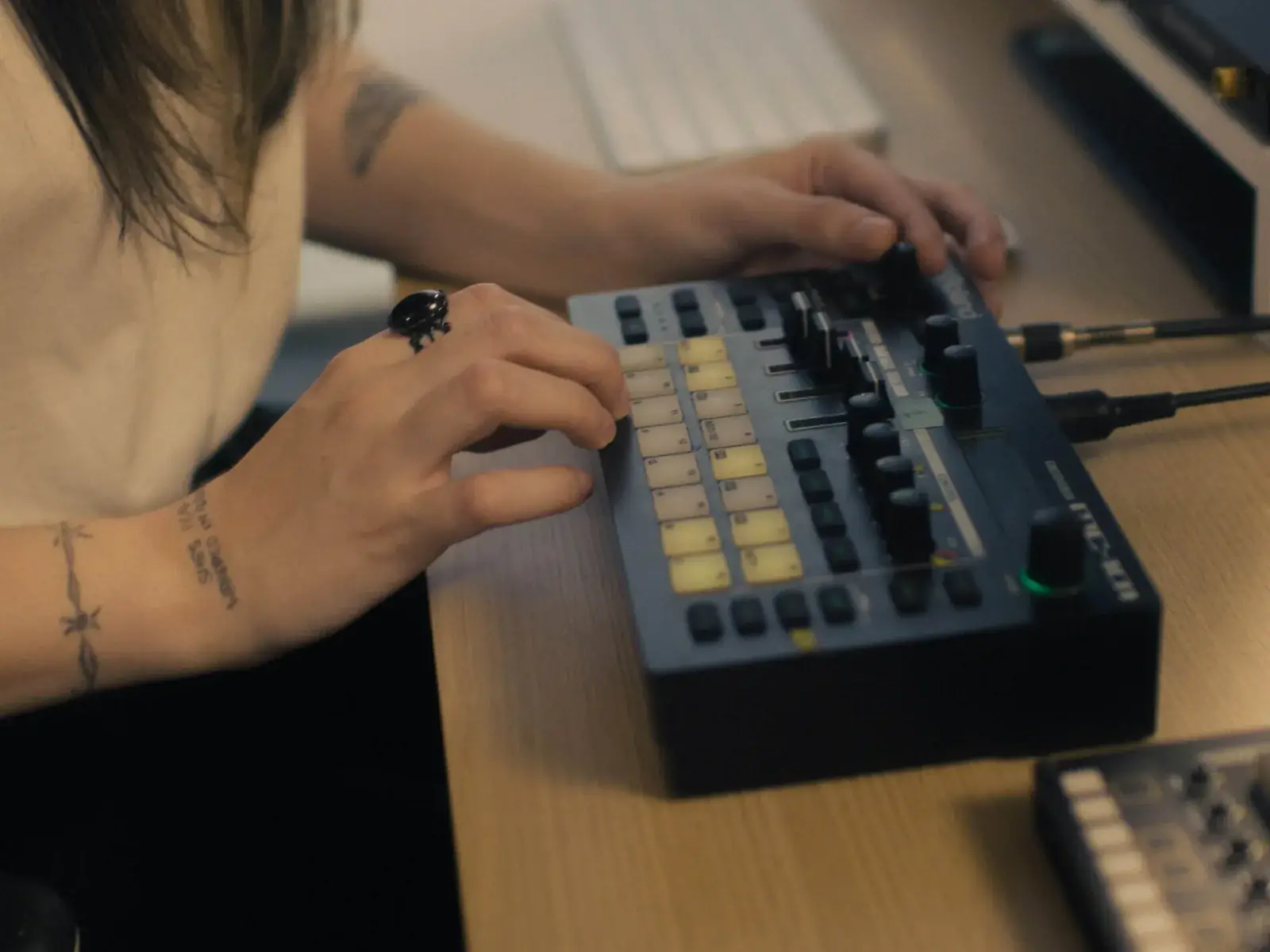
Instrumental maker for beat tapes and sync pitches
Producers get asked for instrumental versions all the time: for a beat tape, a sync library or a new topline. Normally you bounce it from the session — but sessions get lost to dead drives and collaborators who kept the files.
When only the final mix is left, making the backing track with the instrumental maker is the fastest way back; if you still have the session, bounce from there. For the vocal side, see the acapella extractor.
- Label the file clearly, e.g. "Song Title (Instrumental)"
- Check it at the same loudness as the full mix
- Re-master it before you pitch it — for Suno or Udio songs, with Suno mastering
Singing over it? Find the key first.
Drop your instrumental into the Key Finder for the key, Camelot code and relative key. It runs in your browser — nothing uploads — and costs 1 credit.
Is the instrumental maker an AI music generator?
No. It removes the vocals from a song that already exists; it does not compose, extend or generate new music.
How do I make an instrumental of a song?
Drop the song into the instrumental maker at the top of this page and press Split. An AI model removes the vocals on a cloud GPU, and in a few minutes you can download your instrumental, with the separated vocal included. It costs 4 credits per song.
How many credits does a song cost?
Each song costs 4 credits (about $0.60 or less), and you see the price before you upload. Each split is a new GPU job, so running the same song again costs again; failed splits are refunded automatically. The trial pack is $2.99 for 20 credits, pack credits last 12 months, and plans from $7.99 a month include stem credits every month. See pricing.
Will any vocal be left in the instrumental?
Usually very little. On most modern pop, hip-hop and EDM songs the voice is gone; on reverb-heavy mixes and live recordings you may hear a faint tail or an occasional "s". Once someone sings on top, it is rarely noticeable.
Can I use it as a karaoke maker?
Yes, for the backing track: make the karaoke track with the instrumental maker and play it in any player or karaoke app that accepts audio files. It does not show lyrics or change the key.
Can I use my instrumental in a release or a cover I post online?
Your own songs are fine. For anyone else's, you need permission from the owner of the recording and the song's publisher — see the permission check above. This is general information, not legal advice.
What files can I use, and what do I get back?
MP3 or WAV, songs up to 10 minutes. A 16-bit WAV uses about 10 MB per minute, so a full song is usually over the 20 MB upload limit; your browser then compresses it to a 256–320 kbps MP3 before upload. Both files download as MP3.
Does my song get uploaded?
Yes. Vocal removal runs on a cloud GPU, so the file is uploaded to our storage and processed by our separation provider. It is used only to create your files, and download links stay valid for about a week.
Make your next backing track with the instrumental maker.
Vocals out, original music kept — usually in a few minutes, priced before you upload.
Drop a file to start
MP3 or WAV · songs up to 10 min