Free Mastering Preview: hear your whole song mastered, then decide.
- No sign-up to listen
- Full song, all 3 versions
- Report included in the preview
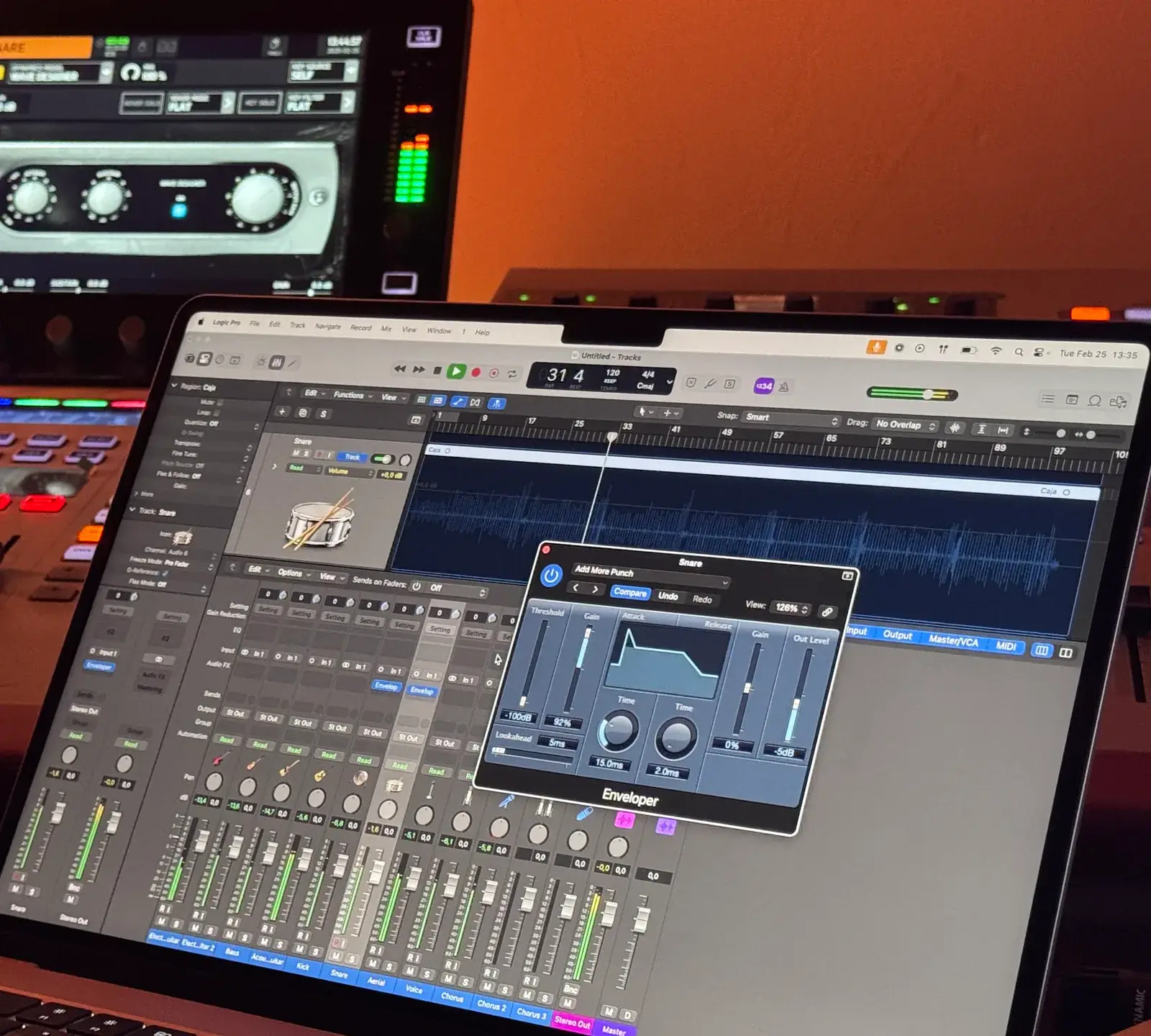
Example result
In short
Free mastering here means a free preview: hear three full-length masters (Warm, Balanced, Bright) at matched loudness against your original, plus the mastering report, with no sign-up. Downloading the WAVs is the paid part — 10 credits per song (about $1.50 or less), and re-masters of that song are free for 30 days.
How it works
How the free mastering preview works
- 1
Drop your mix
Drag in a WAV, FLAC or MP3 up to 200 MB and 10 minutes. It is mastered inside your browser, so nothing is uploaded and no account is needed.
- 2
Listen to every version
Switch between Original, Warm, Balanced and Bright with keys 1–4. Match loudness stays on, so you judge tone, not volume.
- 3
Download only if it is right
If one version works, sign in and download all three as WAV for 10 credits, or from your plan’s monthly masters. If not, change the genre or target and listen again.
What free mastering includes here — and what costs credits
The free mastering preview is the only free tool feature on Track2Master. Every other tool uses credits or your plan’s monthly allowance, and the price is shown before you drop a file.
| What you get | Free mastering preview | Costs credits |
|---|---|---|
| Mastering your mix in your browser | Yes — as many songs as you like | — |
| Full-length playback of Warm, Balanced and Bright | Yes — every second | — |
| Matched-loudness A/B and the mastering report | Yes | — |
| Genre presets, four loudness targets, stereo width | Yes — try every combination | — |
| Account | Not needed to listen | Needed to download |
| WAV download: 24-bit of every version + a dithered 16-bit copy | — | 10 credits per song |
| Re-mastering the same song after you unlock it | — | No extra credits for 30 days |
| Reference mastering (match a track you love) | Preview and A/B | 10 credits to download |
| BPM, key, LUFS meter, normalizer, stem tools | — | Per song — e.g. 1 credit for a LUFS report |
| MP3 download | Not offered yet | Not offered yet |
Plans and packs are on the pricing page.
A free mastering preview of the whole song, not a 30-second clip
When you look for free mastering online, ask what you actually get to hear. Mastering problems hide in specific places: a last chorus crushed by the limiter, a drop that turns muddy. A short clip cannot show you that. The free mastering preview is the entire track, in all three versions, as often as you want.
That works because the mastering runs on your own computer, inside the browser tab. No server queue means no audio watermark and no cap on songs, and what you hear is exactly what the WAV files will contain.
- No watermark, no 30-second limit
- Re-render with new settings as often as you like
- Your mix stays on your device
A free mastering report: numbers, not adjectives
Every free mastering preview comes with a short report: input and output loudness in LUFS, true peak in dBTP, how much limiting it took to reach the target, the glue compression and the EQ move in each band. It also confirms that bass below 120 Hz was folded to mono.
The notes matter most. If your mix peaks near 0 dBFS, is already very loud or needed heavy limiting, the report says so in plain words — and fixing that in the mix costs nothing. To measure a file you already have, use the LUFS meter (1 credit per song).
Want mastering for free? Your honest options
If you need a finished file today and cannot spend anything, don’t buy from us yet. BandLab offers free mastering on its website and app (checked Nov 2026 · verify on their site), and you can compare its result with our preview at the same loudness.
Or master it yourself: most DAWs ship with an EQ, a compressor and a limiter. A gentle master with a −1 dBTP ceiling and loudness near −14 LUFS costs nothing but time — our −14 LUFS guide explains the targets. Either way, the free mastering preview is a useful second opinion before you spend anything.
Free online mastering options, compared honestly
Search for free online mastering, free audio mastering or free music mastering and you will find very different offers. Here is what each gives you without paying. We describe features, not other companies’ prices.
| Option | What you get for $0 | Where it costs money |
|---|---|---|
| Track2Master preview | Full-length listening of 3 masters plus the report, no sign-up | WAV download: 10 credits per song |
| BandLab Mastering | Free mastering with a choice of presets; needs a BandLab account | Extra options come with its paid membership |
| Free tiers of AI mastering services | Usually a preview; some include a few downloads | Full-quality downloads or a subscription |
| DIY in your DAW | Stock EQ, compressor and limiter | Nothing but your time |
Checked Nov 2026 · verify on their site. Features and plans change; trademarks belong to their owners.
Is free AI mastering good enough to release?
Often, yes — if the mix is solid, paid or not. AI mastering is good at finishing work: a gentle tone balance, a little glue, a controlled low end and loudness that lands on a streaming target without clipping. For demos, singles and streaming releases, that is enough.
It cannot fix a mix. If the vocal is buried or the kick and bass fight, every master inherits the problem — and if all three versions in the free mastering preview share the same flaw, the fix belongs in your mix. Our guide on how to prepare a mix for mastering covers the prep.
How to judge a free mastering preview
Four habits that make the decision easy:
- Keep Match loudness on (press M). A louder version almost always sounds "better" for a few seconds; matched levels remove that trick.
- Jump to the loudest section first — the drop or the last chorus — where heavy limiting shows up.
- Switch versions with keys 1–4 while the song plays, then check on headphones and a phone speaker.
- Read the report notes before you buy. A heavy-limiting note is a hint to try a quieter loudness target.
Happy with your free mastering preview?
Download all three versions as 24-bit WAV, plus a dithered 16-bit copy, for 10 credits — about $1.50 or less. Re-masters of that song are free for 30 days.
Keep going
Related tools
Is free mastering really free here?
Listening is free; downloading costs credits. You can master a song, hear all three versions in full and read the report without paying or signing up. The WAV files cost 10 credits per song.
Is the AI mastering free without an account?
Only the preview: it is free online mastering with no sign-up, for listening. You sign in only to download, so your credits and unlocked songs stay attached to you.
Can I download a free MP3 or WAV of my master?
No. There is no free download and no MP3 export yet. Downloads are WAV — 24-bit of every version plus a dithered 16-bit copy — for 10 credits per song.
Is the free mastering preview lower quality than the download?
No. The free mastering preview is the same master you download — the WAV files are written from exactly what you heard, with no watermark. Unlocking a song unlocks all three versions.
Why charge for the download but not the preview?
Because hearing the result is how you decide whether it is worth paying for. We would rather you hear every second than buy blind; the WAV file is the finished product, so that is what we charge for.
How many credits does a download cost?
10 credits unlocks all three versions of one song — about $1.50 or less. Plans from $7.99 a month include masters every month, cancel anytime; a one-time pack is $2.99 for 20 credits, valid 12 months. Our online mastering service guide compares this with human engineers.
Start your free mastering preview.
Full length, three versions, matched loudness. Credits only if you download the WAVs.
Drop a file to start
WAV, FLAC or MP3 · up to 200 MB · 10 min