AI Stem Splitter: separate vocals, drums, bass & other.
- 4 stems + up to 12 parts
- Price shown before upload
- Ready in a few minutes
- Failed splits refunded
Use only with music you own or have permission to use.
Example result
In short
A stem splitter separates a finished song into its parts. Drop your file above: an AI model on a cloud GPU does the work, and the stem splitter returns vocals, drums, bass and other, plus up to 12 individual parts such as backing vocals, guitar or keys. A 4-stem split costs 7 credits (about $1.05 or less) and usually takes a few minutes.
How it works
How to use the Stem Splitter
- 1
Drop your song
MP3 or WAV, songs up to 10 minutes — a WAV over 20 MB is compressed to a 256–320 kbps MP3 in your browser before upload.
- 2
Choose the split
4 stems costs 7 credits; vocals + instrumental costs 4 credits. The price is on the button before anything is charged.
- 3
Download what you need
The stem splitter returns vocals, drums, bass and other, plus every separated part. Audition each in the browser and download what you need before you close the page; links to the separated parts stay valid for about one week.
What the stem splitter gives you
One split turns a finished stereo file back into parts. Every stem is full length and starts at the same moment, so the files line up at bar 1 in a DAW and add back up to something very close to the original mix.
Besides the four classic stems, you can download every part the model separated — up to 12, such as backing vocals, guitar, keys, strings, synth or percussion.
- Vocals — lead vocal, backing vocals and harmonies, with some of their reverb
- Drums — kick, snare, hi-hats, cymbals and percussion
- Bass — bass guitar, synth bass and most 808 bass lines
- Other — guitars, keys, synths, strings, pads: everything that isn't in the first three
Stem splitter, drum remover or vocal remover?
Every stem page uses the same separation engine; what changes is which split runs and which files you get.
| Page | What you download | Credits | Best for |
|---|---|---|---|
| Stem Splitter | Vocals, drums, bass, other + up to 12 parts | 7 credits | Remixing, transcription, re-balancing a bounce |
| Drum Remover | A mixed drumless track (WAV) + the same stems | 7 credits | Drum practice, play-along, covers |
| Vocal Remover | Instrumental + vocal | 4 credits | A quick instrumental, re-recording a vocal |
| Instrumental Maker | The same 2-stem split: instrumental + vocal | 4 credits | Karaoke and rehearsal tracks |
| Vocal Isolator | The same 2-stem split: vocal + instrumental | 4 credits | Learning a part, covers, podcasts |
| Acapella Extractor | The same 2-stem split: acapella + instrumental | 4 credits | DJ edits, remixes, sampling |
Each split is a new GPU job and is charged when you run it — splitting the same song again costs again. Failed splits are refunded automatically.
How AI stem separation works
Like any stem separator, the stem splitter AI learned from multitrack recordings where every instrument was heard on its own. It reads your song as a waveform and a spectrogram and estimates each source moment by moment; sound it cannot assign cleanly ends up shared between stems, which is where artifacts come from.
Unlike our mastering preview and analysis tools, this audio stem splitter does not run in your browser: your file is uploaded to our storage, processed on a cloud GPU by our separation provider and used only to create your stems.
Best stem splitter? DAWs, apps and Track2Master compared
Which is the best stem splitter? Honestly, the leading models are close; differences show on dense rock mixes, live recordings and long reverbs more than on a clean pop song. Choose by workflow, then test your hardest track.
| Option | Where it runs | What it separates | Good to know |
|---|---|---|---|
| Built-in DAW splitters (Logic Pro, Ableton Live and others) | Your own computer, inside the DAW | Usually vocals, drums, bass, other; some add guitar or piano | No upload, nothing extra per song once you own the DAW; works only inside it |
| LALAL.AI | Web service and apps | Vocals plus many single instruments | A separation specialist with fine-grained stem choices and cleanup tools |
| Moises | Mobile, desktop and web app | Vocals, drums, bass and several instruments | Built around practice: tempo and pitch change, chord detection, metronome |
| Track2Master | Cloud GPU, any browser | 4 stems + up to 12 parts, or a 2-stem split | Monthly plans or pay-per-song credit packs; price shown first. 10-minute song limit, MP3 stems, no tempo or pitch tools |
Feature summary checked Nov 2026 · verify on their site. We leave their prices out because they change often.
How good is the stem splitter?
On modern pop, hip-hop and EDM — clear arrangements, programmed drums, upfront vocals — the stem splitter usually returns clean stems. Dense mixes, heavily limited masters, long reverb tails and live recordings are harder: expect some bleed and watery tails when you solo a stem.
Artifacts that stand out on a soloed stem usually disappear once the other parts play: a 1–2 dB balance change sounds natural, a 6 dB push exposes what separation left behind. For cleaner stems, start from the WAV master or an early bounce without a limiter, not an old low-bitrate copy.
Re-balance a stereo bounce with the stem splitter
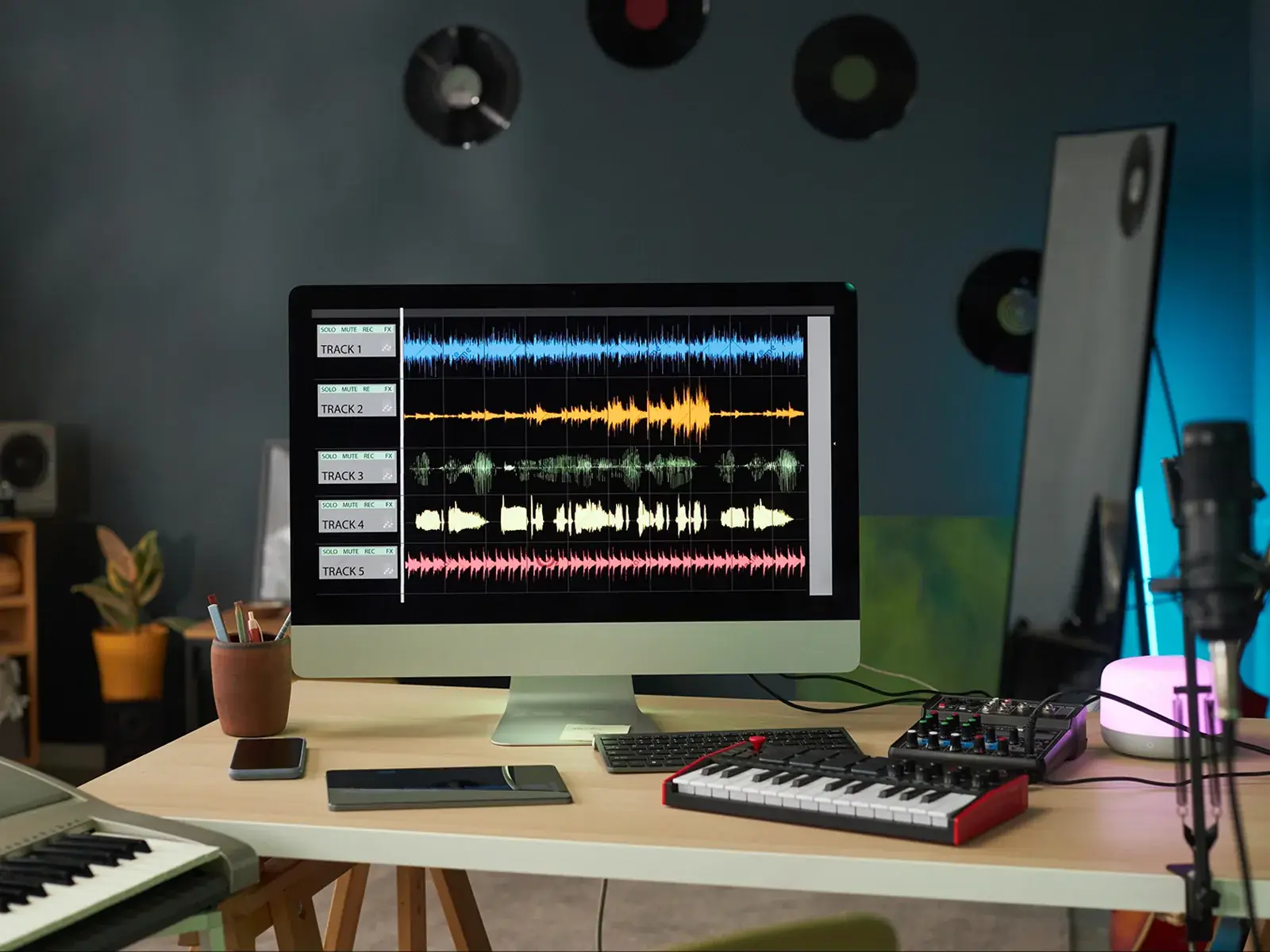
A use most audio splitter pages skip: the session is gone and all you have is the stereo bounce, with a vocal a decibel too quiet or a bass that booms in the chorus.
Split the bounce, import the four stems at bar 1 with every fader at 0 dB, and make small moves — vocal up 1–2 dB, bass down a touch — then send the new bounce to mastering. AI songs work the same way: split a Suno or Udio track, fix the balance, then use Suno mastering.
- Works best on mixes with clear, upfront vocals
- Leave headroom on the new bounce — no limiter on the master bus
Re-balanced your stems? Hear the bounce mastered.
Compare Warm, Balanced and Bright AI masters of the new bounce at matched loudness. The preview costs nothing; downloading the WAVs costs 10 credits or is included in a plan.
What is a stem splitter?
A stem splitter, or stem extractor, separates a finished song into its main parts, called stems. The stem splitter returns vocals, drums, bass and other instruments as files that line up and add back up to something very close to the original mix, plus up to 12 individual parts.
How many credits does a split cost?
A 4-stem split costs 7 credits (about $1.05 or less); vocals + instrumental costs 4 credits. Splitting the same song again is a new GPU job and is charged again; failed splits are refunded automatically. The trial pack is $2.99 for 20 credits, pack credits last 12 months, and plans from $7.99 a month include stem credits every month. See pricing.
Does my file get uploaded?
Yes. Separation needs a GPU, so your song is uploaded to our storage and processed by our separation provider. It is used only to create your stems. Save them soon after the split: links to the separated parts stay valid for about one week.
How does it compare with LALAL.AI, Moises or Logic Pro's Stem Splitter?
On a typical pop or hip-hop song the leading models sound close. A DAW's splitter keeps everything on your computer, LALAL.AI offers more single instruments and Moises adds practice tools; here every split has a fixed credit price, shown before you run it, paid from a monthly plan or a credit pack.
Is it legal to split a song into stems?
Running your own music through a song splitter is fine, and you should use the stem splitter only on music you own or have permission to use. Splitting doesn't change who owns the recording or the composition, so for anyone else's song, get permission or a license first, or use official stems. This is general information, not legal advice.
Split your next track into stems.
Four stems plus every part the model can separate, priced before you upload.
Drop a file to start
MP3 or WAV · songs up to 10 min