BPM Finder: detect the tempo of any song.
- Nothing uploads
- Half- & double-time readings
- Re-checks of a song included for 30 days
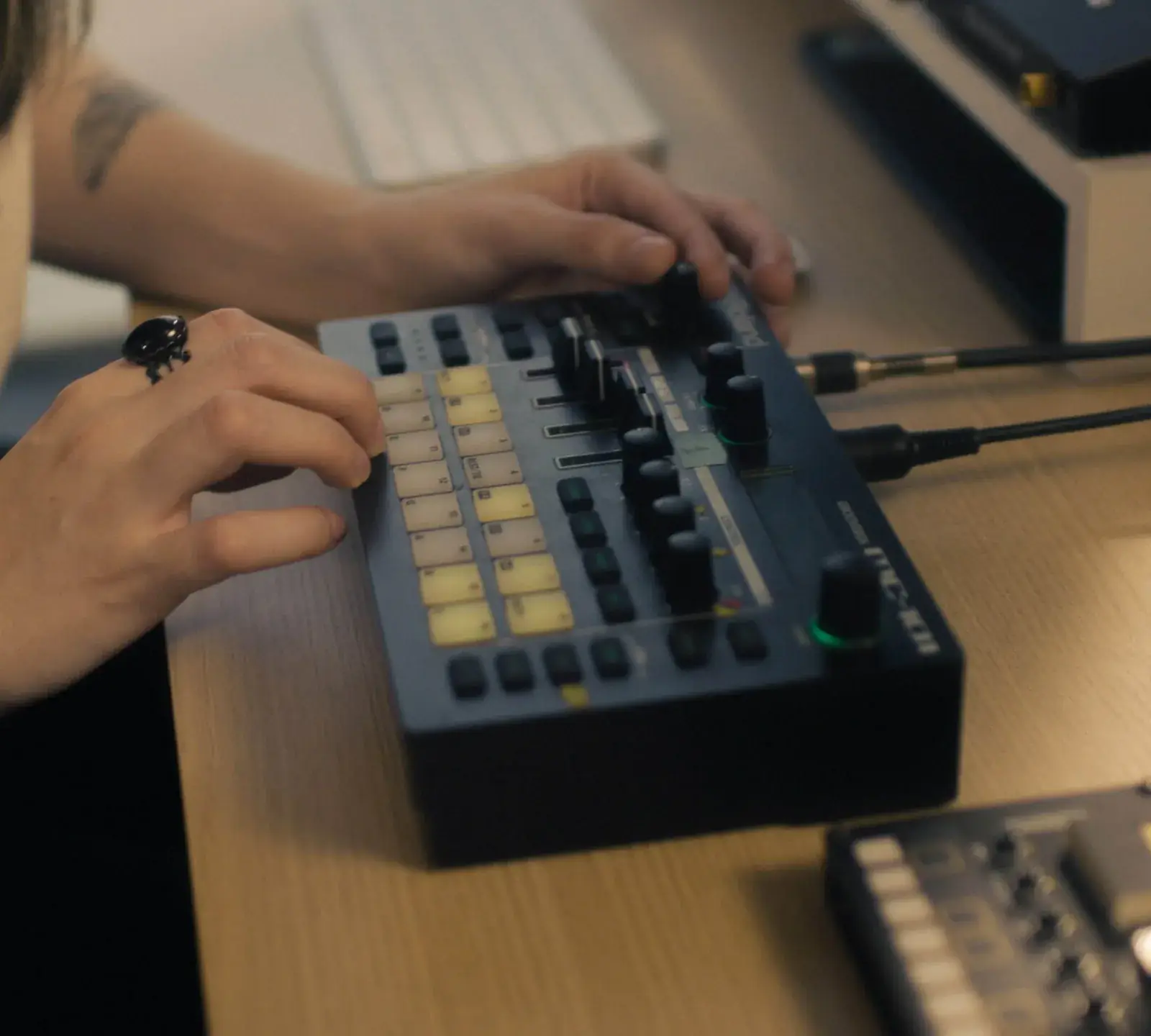
Example result
In short
To find the BPM of a song, drop the song into the BPM Finder above. It analyzes the beat in your browser — nothing uploads — and returns the tempo in a few seconds, with half-time and double-time readings. Each song costs 1 credit (about $0.15 or less); re-checking the same file within 30 days costs nothing extra.
How it works
How to use the BPM Finder
- 1
Drop your song
Drag the song into the BPM Finder — WAV, FLAC, MP3 or M4A up to 200 MB and 10 minutes — or paste a file. Each new song uses 1 credit.
- 2
Read the tempo
You get the tempo with a confidence meter. Tap ½ or 2× if the result feels half or double speed.
- 3
Take the next step
Copy the number, then find the key, check loudness or master the track. The Next buttons on the result keep your file loaded, and each tool shows its price before it runs.
A BPM finder that never uploads your music
Some online BPM detectors upload your file to a server. This BPM finder runs on your device: your browser decodes and analyzes the audio in a background thread, so unreleased songs and client work never leave your computer.
A typical three-minute song takes a few seconds, and the price is the same whatever the length: 1 credit per song, for files up to 10 minutes.
- Analyzes the middle two minutes, where the groove is usually steadiest
- Price shown before you drop: about $0.15 or less
What is BPM in music?
BPM means beats per minute — the tempo of a song. The beat is the steady pulse you nod your head or tap your foot to; in most pop, hip-hop and dance music it falls on every quarter note of a 4/4 bar. At 120 BPM there are two beats every second, so one bar of four beats lasts exactly two seconds.
To turn song BPM into time, divide 60 by the tempo: at 90 BPM one beat lasts 0.667 seconds. Producers use that number to set delay and reverb times in sync; video editors use it to cut on the beat. Classical scores use Italian words instead — Adagio is slow (roughly 66–76 BPM), Andante a walking pace (about 76–108) and Allegro fast (about 120–156).
How the BPM Finder works
First, the BPM Finder turns the song into an onset curve — a line that jumps every time a new sound starts, like a kick, snare or strum. We cut the audio into thousands of short slices and measure how much the spectrum changes between them.
Next it looks for the repeating distance between those jumps using autocorrelation. A song at 120 BPM has strong peaks every 0.5 seconds. We score every tempo between 60 and 200 BPM, reward tempos whose multiples also line up (two beats, one bar), and refine the winner to a tenth of a BPM.
Most produced music sits on an integer grid, so a result within a quarter BPM of a whole number is rounded. A live track recorded without a click shows a decimal value instead — that is expected.
Typical song BPM by genre
Use these ranges to sanity-check what the BPM Finder reports. If your result sits outside the range, the ½ or 2× value is usually the one you want.
| Genre | Typical BPM | Often detected as |
|---|---|---|
| Hip-hop / boom bap | 80 – 100 | Double (160 – 200) on busy hi-hats |
| Lo-fi hip-hop | 70 – 90 | Double on swung hats |
| R&B / soul | 65 – 95 | Double on 16th-note hats |
| Trap | 130 – 150 (felt half-time, 65 – 75) | Either — pick the one you count |
| Reggaeton / dancehall | 88 – 100 | Usually correct |
| Afrobeats | 100 – 120 | Usually correct |
| Pop | 95 – 125 | Usually correct |
| House | 118 – 128 | Usually correct |
| Techno | 125 – 140 | Usually correct |
| Dubstep | About 140 (felt half-time, 70) | Either — 140 is the usual label |
| Drum & bass | 160 – 180 | Half (80 – 90) |
| Rock | 100 – 140 | Varies with live drums |
Ranges are common conventions, not rules. Genres overlap.
Why the BPM Finder shows half and double time
Every song has several pulses at once: the hi-hats, the kick-and-snare pattern, the chord changes. Any BPM detector finds the strongest repeating one, but which pulse counts as “the beat” is a convention — and genres disagree.
Take a trap beat: fast 16th-note hi-hats, a syncopated kick and one snare per bar, on beat 3. Producers set the DAW to 140 BPM; listeners nod along at 70. Both describe the same audio, so the BPM Finder shows the main reading plus ½ and 2× chips. Drum & bass works the same way at 170 and 85.
Rule of thumb: count “1, 2, 3, 4” along with the song. If the snare lands on 2 and 4, your count is the tempo most people write down. If it lands only on 3, you are counting at half time; on every beat, at double time. Still unsure? Tap along and compare.
Who uses a BPM finder
DJs use a BPM finder to match tempos before a mix. Producers set the project tempo before sampling or remixing. Singers and rappers pick a beat that fits their flow. Video editors cut to the beat.
Once you know the tempo of a song, the Key Finder gives you the other half of the picture — the key and the Camelot code DJs use for harmonic mixing. To see which keys blend, open the Camelot wheel.
Got the tempo? Hear your track mastered before you pay.
Compare Warm, Balanced and Bright AI masters at matched loudness. Listen first; downloading the WAVs costs 10 credits.
How do I find the BPM of a song?
Drop the song into the BPM Finder at the top of this page. It analyzes the beat in your browser and shows the tempo in a few seconds, with ½ and 2× readings and a confidence meter. Each new song uses 1 credit.
How much does the BPM Finder cost?
1 credit per song — about $0.15 or less at the trial-pack rate. Re-checking the same file within 30 days costs nothing extra. You need to sign in and have credits: a $2.99 trial pack holds 20 credits, and pack credits last 12 months. Plans from $7.99 a month include analysis runs every month.
Does the BPM Finder upload my music?
No. Your browser decodes and analyzes the file on your own device, so the audio never reaches our servers. That makes it safe for unreleased songs, stems and client work.
How accurate is the BPM Finder?
For produced music with a steady beat, the result is usually exact to the nearest whole BPM — what you want from a BPM checker. Live recordings, tempo changes and beatless passages reduce accuracy; the confidence meter tells you when to double-check by tapping.
Can the BPM change within a song?
Yes. Live bands drift, DJ edits change tempo, and some songs slow down for a bridge. The BPM Finder reports the main tempo of the middle two minutes, so a beatless intro or fade-out doesn’t throw it off; tap any section at a different tempo.
Should I use a BPM tapper or a tempo finder?
Use the analyzer when you have the file and the song has a steady beat — it is usually exact to the whole BPM. Use a tapper for songs you can only hear, live recordings that drift, tempo changes and music without a clear beat.
Which files work — and can I use a YouTube or Spotify link?
WAV, FLAC, MP3 and M4A up to 200 MB and 10 minutes. Links don’t work: we only analyze audio files on your device, which keeps the tool private and legal.
Find the BPM of your next track.
Private, precise and done before you can count to four — 1 credit per song.
Drop a file to start
WAV, FLAC or MP3 · up to 200 MB · 10 min